


Hey there! As a supplier of COB super slim LED strip lights, I totally get how frustrating it can be when your strip doesn't work. But don't worry, I'm here to walk you through some troubleshooting steps to get your lights up and shining again.
1. Check the Power Supply
The first thing you should do is take a look at the power supply. A faulty power source is one of the most common reasons why LED strips stop working.
- Verify the Voltage: Make sure the power supply is providing the correct voltage for your COB super slim LED strip. Different strips have different voltage requirements. For example, our COB 480LEDs 5mm Slim IP20 LED Strip Lights and COB 504LEDs 5mm Slim IP20 LED Strip Lights might have specific voltage needs. You can usually find the voltage information on the product label or in the user manual.
- Inspect the Power Cord: Check if the power cord is properly plugged in at both ends - the power supply and the LED strip. Sometimes, a loose connection can cause the strip to stop working. Also, look for any signs of damage to the cord, like cuts or frayed wires. If you find any issues, you might need to replace the cord.
- Test the Power Supply: You can use a multimeter to test if the power supply is actually outputting the correct voltage. If it's not, then the power supply itself might be faulty, and you'll need to get a new one.
2. Examine the LED Strip Connections
Next, let's take a look at how the LED strip is connected.
- Check the Connectors: The connectors that link the LED strip to the power supply and other components are crucial. Make sure they're securely attached. Sometimes, they can come loose over time, especially if the strip has been moved or bumped. If the connectors seem loose, try re - attaching them firmly.
- Look for Broken Wires: Inspect the strip for any broken or damaged wires. This can happen if the strip has been bent too much or if it's been in a place where it could be easily damaged. If you find a broken wire, you might be able to repair it using some soldering skills. However, if the damage is extensive, it might be better to replace the strip.
- Verify the Polarity: LED strips are polarity - sensitive, which means the positive and negative connections need to be correct. Double - check that you've connected the power supply to the strip with the right polarity. If you've got it wrong, the strip won't work.
3. Look for Physical Damage
Physical damage to the LED strip can also cause it to malfunction.
- Check for Water Damage: If the strip is in a damp or wet environment, water damage could be the culprit. Our COB 528LEDs 3mm Slim IP20 LED Strip Lights are IP20 rated, which means they're not suitable for wet areas. If water has gotten into the strip, it can short - circuit the LEDs and other components. If you suspect water damage, dry the strip thoroughly and see if it works. If not, you'll probably need a new one.
- Inspect for Overheating: Overheating can damage the LEDs and other parts of the strip. Make sure the strip has enough ventilation and isn't being placed in an area where it can get too hot. If the strip has been overheating, it might have already suffered permanent damage, and replacement could be necessary.
- Look for Physical Impact: If the strip has been hit or dropped, it could have internal damage. Check for any visible cracks or signs of impact on the strip. If there's significant damage, replacement is likely the best option.
4. Check the Controller (if applicable)
If your COB super slim LED strip comes with a controller for functions like dimming or color changing, the controller could be the problem.
- Verify the Controller Settings: Make sure the controller is set to the correct mode and settings. Sometimes, a simple setting change can get the strip working again.
- Check the Controller Batteries (if wireless): If it's a wireless controller, check the batteries. Dead or low - power batteries can prevent the controller from working properly. Replace the batteries if needed.
- Test the Controller Connection: If the controller is connected to the LED strip via a wire, make sure the connection is secure. A loose connection can disrupt the communication between the controller and the strip.
5. Contact the Supplier
If you've gone through all these steps and still can't get your LED strip to work, it might be time to reach out to the supplier. As a supplier, we're here to help. We can offer more in - depth troubleshooting advice based on the specific product you have. We might also be able to provide a replacement if the strip is still under warranty.
If you're in the market for new COB super slim LED strip lights, we've got a great selection. Our COB 480LEDs 5mm Slim IP20 LED Strip Lights, COB 504LEDs 5mm Slim IP20 LED Strip Lights, and COB 528LEDs 3mm Slim IP20 LED Strip Lights are high - quality products that offer excellent lighting solutions. Whether you're looking to light up a small space or a large area, we've got the right strip for you.

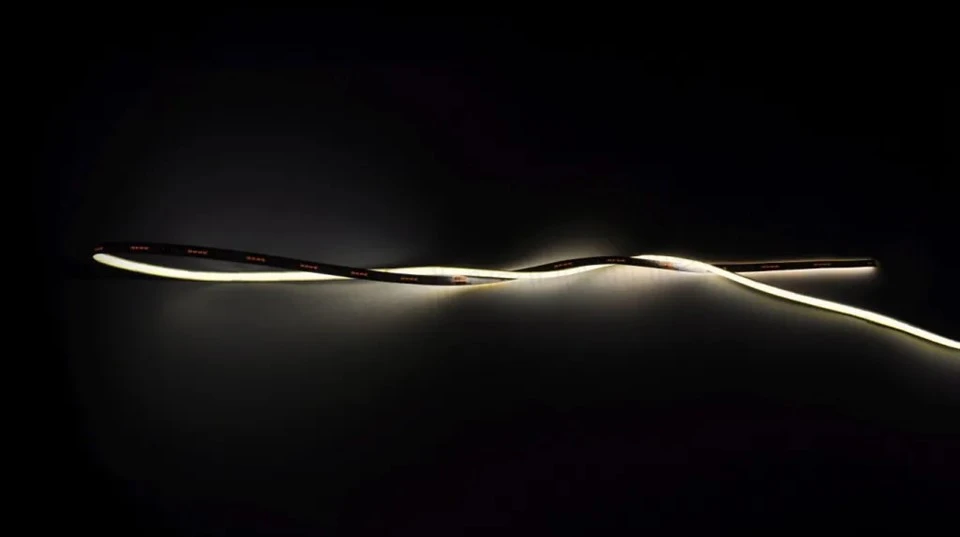
If you're interested in purchasing our products or have any questions about our COB super slim LED strip lights, don't hesitate to contact us for a procurement discussion. We're always happy to help you find the best lighting solutions for your needs.
References
- General knowledge about LED strip lights and troubleshooting from industry experience.


